How to Turn a QR Scan into a Booked Meeting in 60 Seconds (With a PWA Digital Business Card)
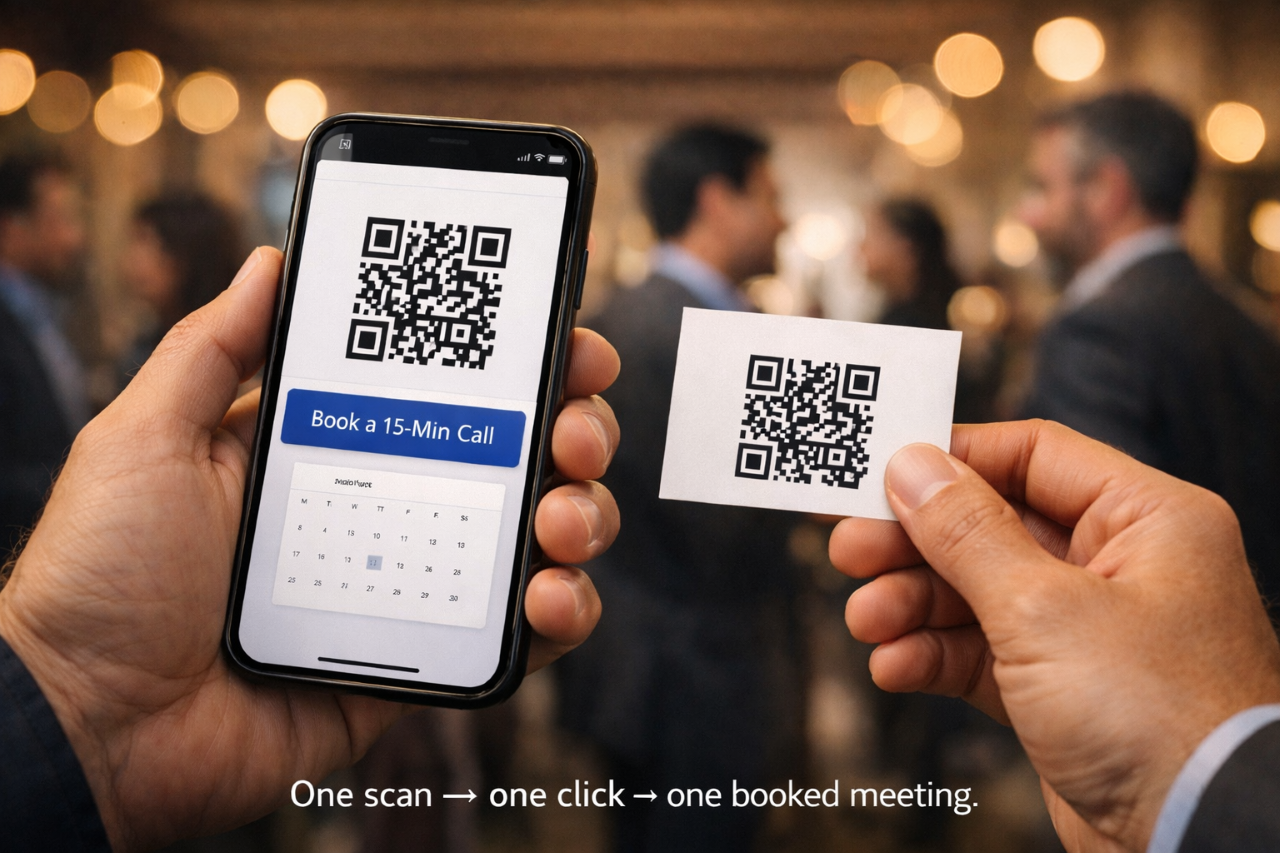 In an era where first impressions happen in seconds, “Here’s my card” can’t be the finish line anymore. A paper business card is a dead end: no interactivity, no proof, no engagement, no path to action. It gets shoved in a pocket… and forgotten.
But a Progressive Web App (PWA) digital business card changes the entire outcome. Instead of handing someone contact info and hoping they do something later, you give them a scan-to-action system that guides them to the next step—fast.
I’m John White, Marketing Systems Director for White On White Enterprises and founder of The WOWECard. And I want to show you exactly how to design a simple flow that can turn a QR scan into a booked meeting in under a minute—without apps stores, without complicated tech, and without losing prospects to “I’ll check it later.”
Let’s build the 60-second system.
The Real Goal: One Scan, One Clear Next Step
A lot of digital cards fail because they try to do too much. They turn into mini-websites with 12 buttons and no direction. The person scans, gets overwhelmed, and closes it.
Your WOWECard should do one thing extremely well:
Turn curiosity into a booked meeting.
 That means every element in your PWA card should reduce friction and increase certainty.
Friction comes from:
- Too many options
- Too much reading
- Unclear “what now?”
- Slow loading
- Calendar links buried under social icons
- Forms that ask for too much
Certainty comes from:
- A clear offer
- A fast path to schedule
- Quick proof (testimonial, short video, results)
- A clean design that feels trustworthy
- Confirmation that the meeting is worth their time
The 60-Second Flow (What Should Happen After the Scan)
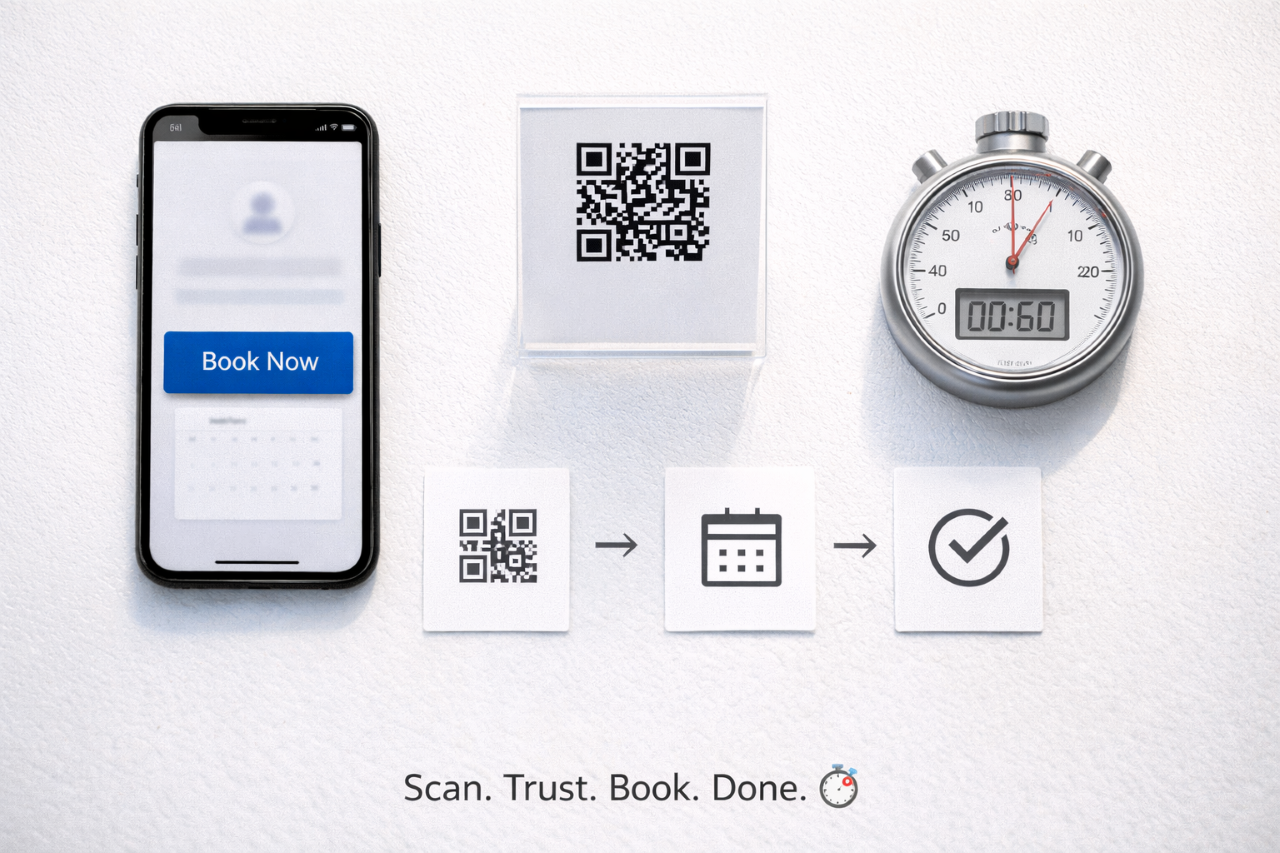
Here’s the exact outcome you want:
0–5 seconds: Scan → page loads instantly → identity + value is obvious
5–15 seconds: They see a single dominant button: “Book a Quick Call”
15–35 seconds: They see 1–2 proof elements (short video or testimonial)
35–60 seconds: They pick a time → confirm → meeting booked
Your WOWECard is perfect for this because it’s a PWA digital business card—app-like, fast, and installable to the home screen—without requiring the person to visit an app store.
Now, let’s build this as a step-by-step system.
Step 1: Lead With One Job Title + One Outcome
When someone scans your QR code, they’re silently asking:
“What do you do—and can you help me?” Your first screen must answer that in one breath.
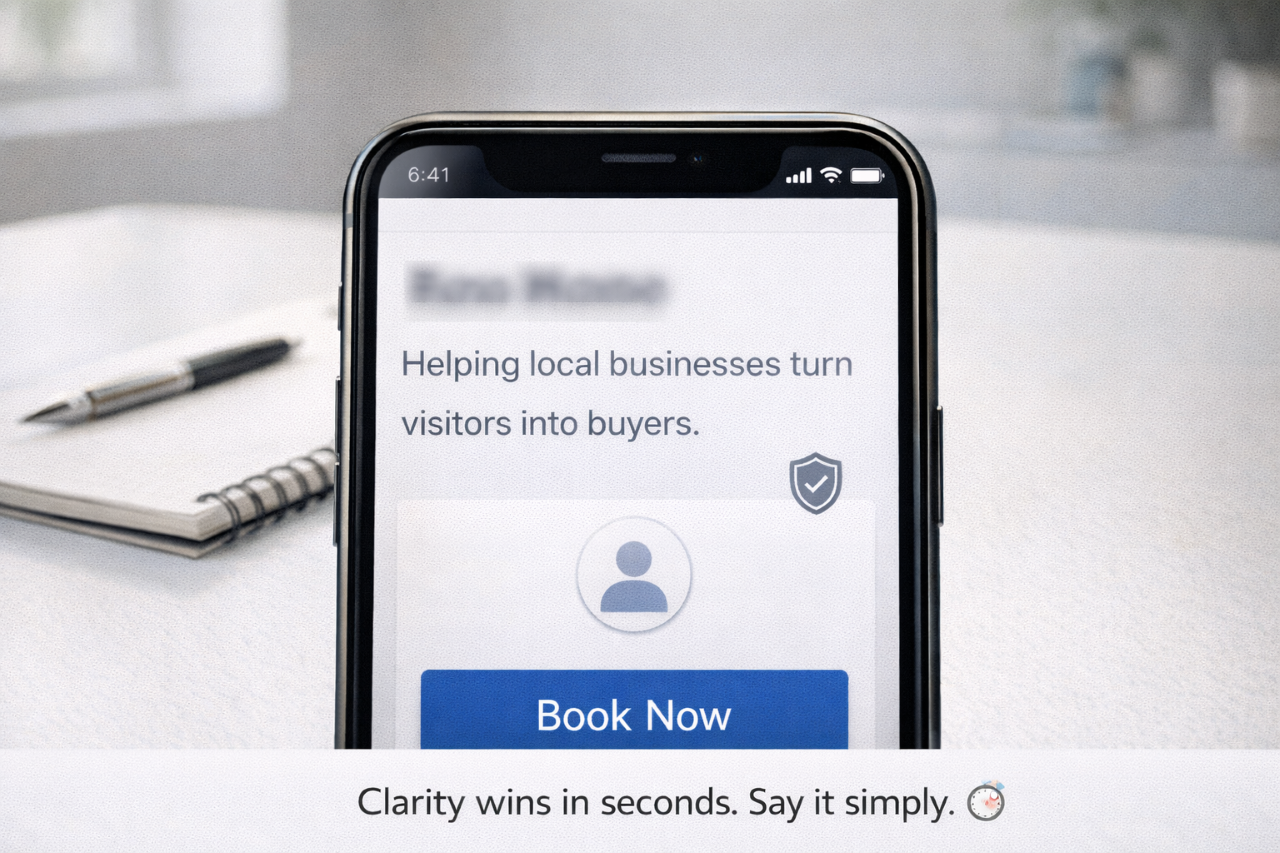 Use this formula:
I help [audience] get [result] without [pain].
Examples by audience:
- Restaurant owner: “I help restaurants increase repeat customers without relying on discounts.”
- Realtor: “I help homebuyers get pre-approved faster without paperwork headaches.”
- Car dealership: “I help buyers get into the right vehicle without the back-and-forth.”
- Leasing office: “I help renters tour and apply faster without delays.”
- Nonprofit: “I help supporters become monthly donors without complicated steps.”
- E-commerce: “I help customers find the right product fast without endless browsing.”
That statement is your “speed-to-clarity” moment.
Step 2: Make the Booking Button the Hero (Not an Afterthought)
If your booking link is below your Instagram icons, you’ve already lost.
Your primary CTA must be visually dominant and placed immediately after your headline/value line.
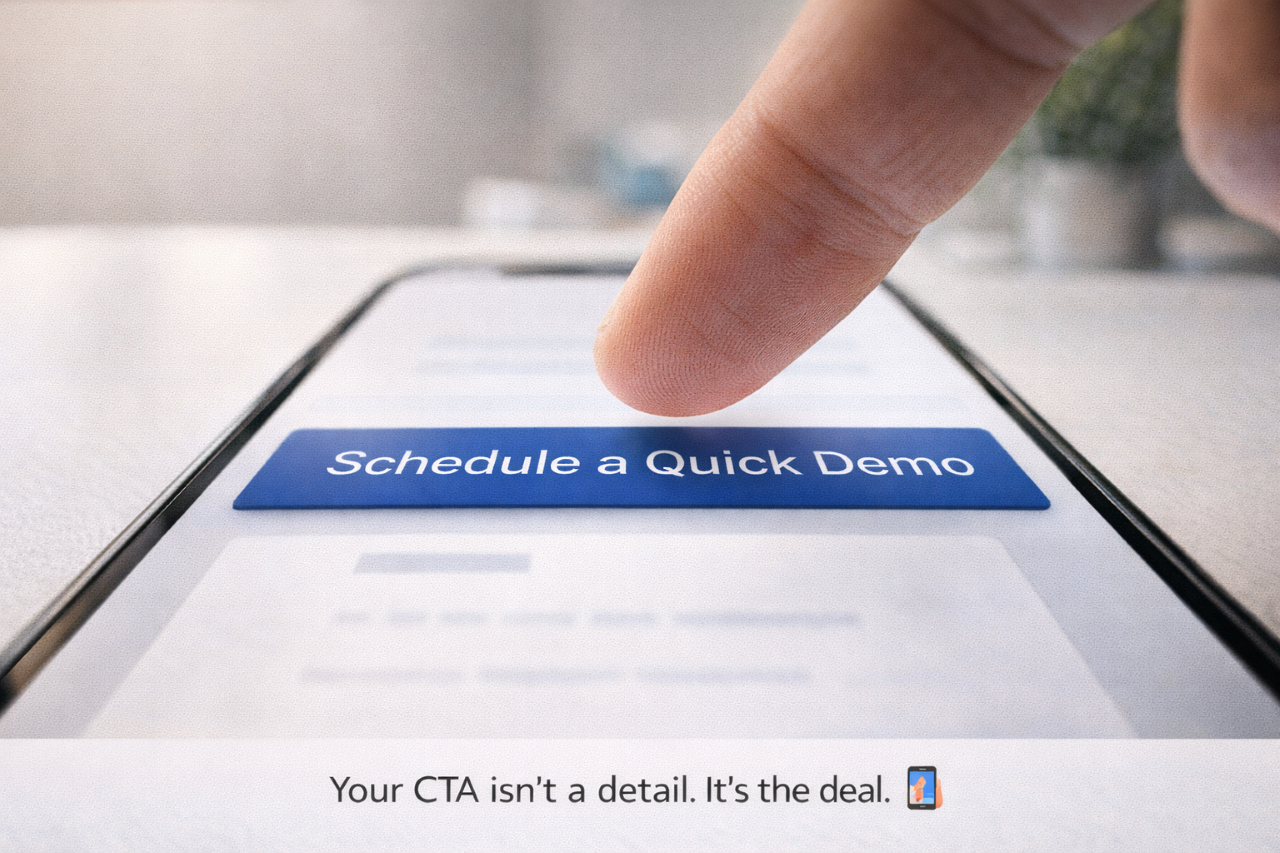 Use one of these:
- “Book a 15-Minute Call”
- “Schedule a Quick Demo”
- “Book a Tour”
- “Claim a Consultation”
- “Plan Your Next Step”
Keep it simple. One action.
And your booking experience must be:
- Mobile-friendly
- Minimal steps
- Fast loading
- Time-zone aware
- Confirmation shown immediately
If it takes too long or asks for too much information, people bounce.
Step 3: Add a 10–15 Second Proof Boost (Right Above or Below the Button)
People don’t book because they scanned a QR code. They book because they trust the value. You only need one proof element to dramatically improve conversions:
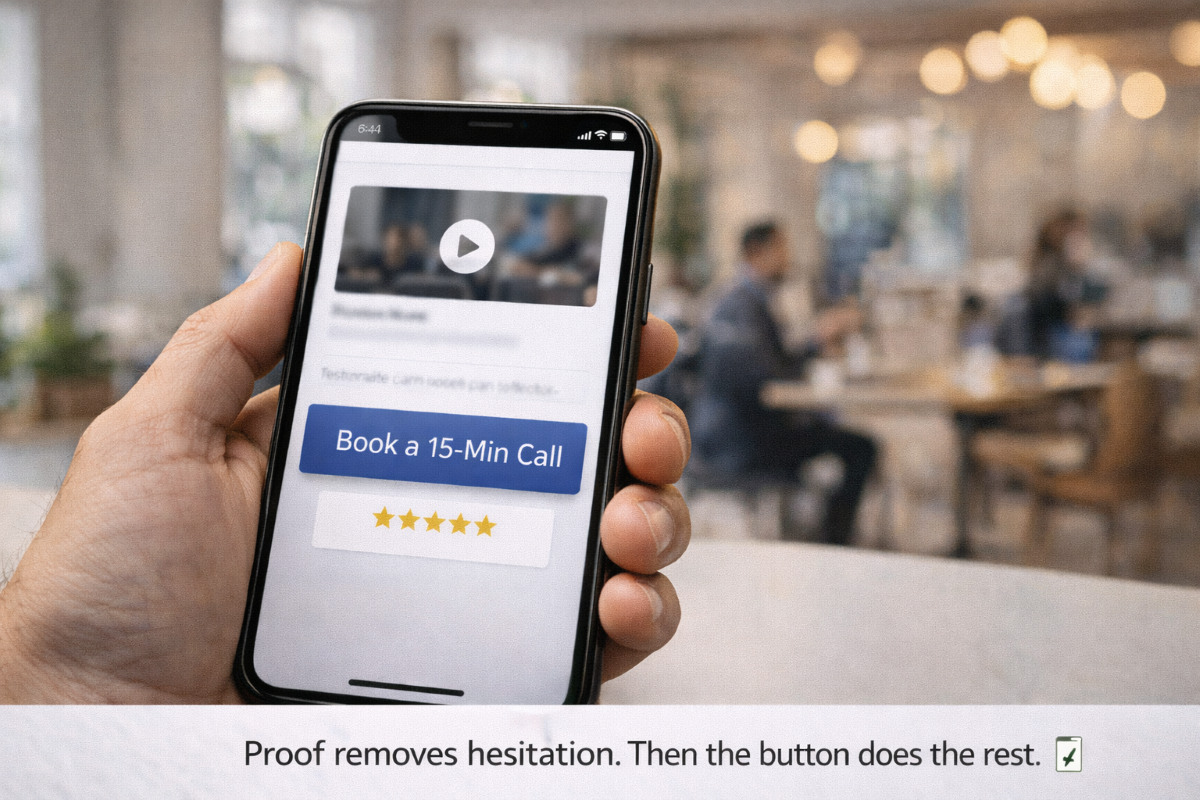
Option A: A micro-video (best)
A 10–15 second video that says:
- Who you help
- What result you produce
- What to do next (book)
Script you can use:
“Hey, I’m John. If you’re looking for a modern way to turn networking into real bookings, tap ‘Book a Quick Call’ and I’ll show you how to turn one QR scan into a meeting in under a minute.”
Option B: One testimonial
A short sentence like:
“We started getting booked calls the same week we switched to a WOWECard system.”
Option C: A results snippet
Keep it clean:
- “Short demos. Clear next steps.”
- “Fast tours. Faster approvals.”
- “More scans → more bookings.”
This proof reduces hesitation without slowing them down.
Step 4: Use a “Choose Your Path” Micro-Funnel (Only If You Must)
Sometimes your audience has different needs. Instead of adding 12 buttons, add 2–3 paths max.
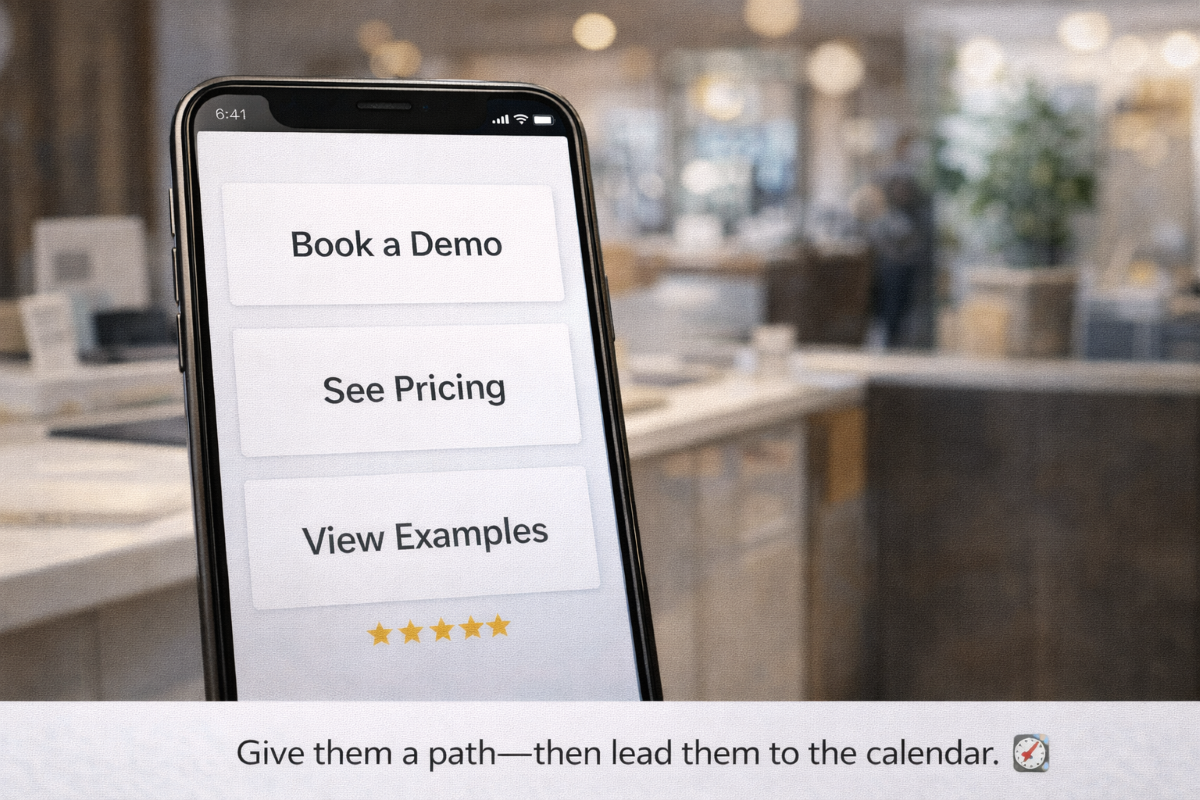 Example (Car dealership):
- “Book a Test Drive”
- “Get Financing Options”
- “See Inventory”
Example (Realtor):
- “Book a Homebuyer Call”
- “Get My Listings”
- “Get Pre-Approved”
The rule: every path still leads to the calendar.
Even if they click “See Inventory,” the next screen should still include “Book a Quick Call.”
Step 5: Place Your QR Code Where Scanners Already Feel Intent
QR placement is conversion strategy.
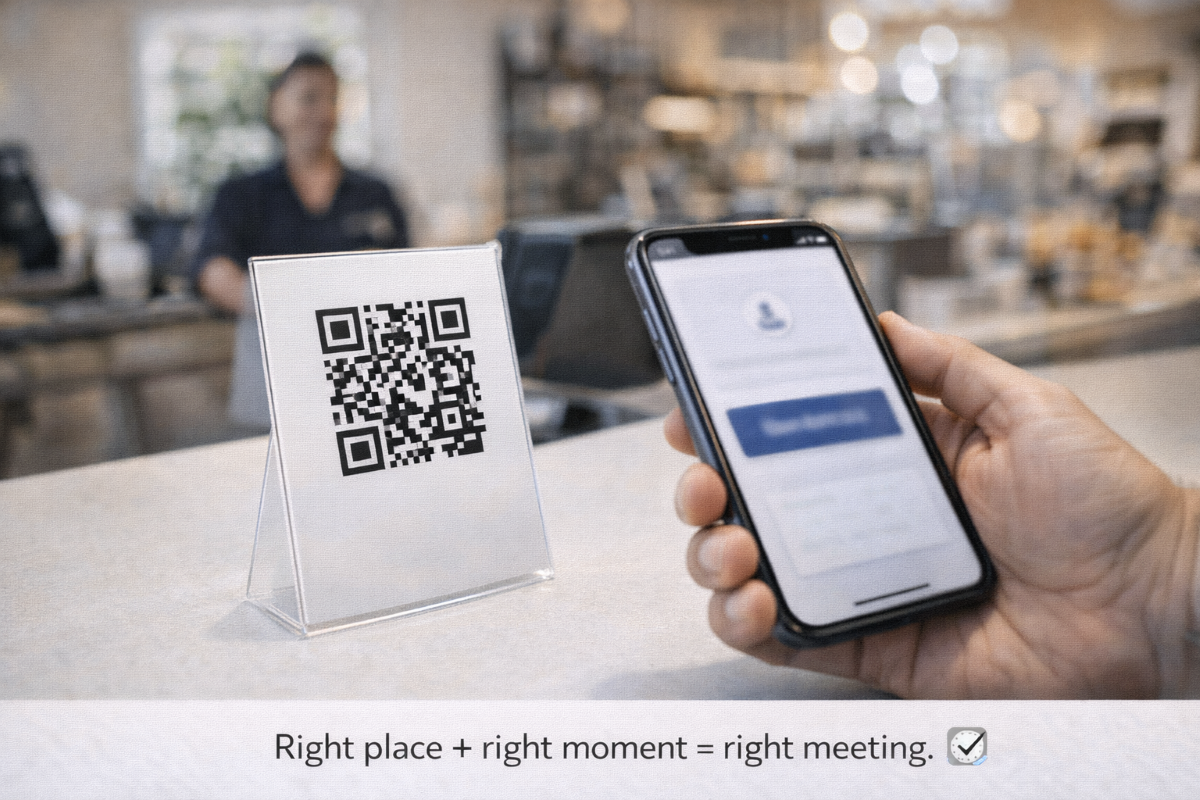 High-intent placements:
- Your phone lock screen (for in-person networking)
- Table tents (restaurants)
- Checkout counter signage
- Open house signs (realtors)
- Vehicle window sticker signage (dealerships)
- Leasing office front desk + tour clipboard
- Nonprofit event booths + donor cards
- Shipping inserts (e-commerce)
- Email signatures and LinkedIn banners
If the QR code is placed where people are already curious, the scan becomes a natural next step.
Step 6: Follow Up Automatically (Because Not Everyone Books Immediately)
 Even the best system won’t convert 100% on the spot. So, your WOWECard process should include a “second chance” follow-up.
Two fast follow-up methods:
1. Text capture (optional): “Want the pricing sheet? Enter your number.”
2. One-tap contact save + reminder: “Save my card → I’ll send a reminder link.”
But keep this clean: the primary objective is still the booking.
The 60-Second Booking Checklist (Use This Every Time)
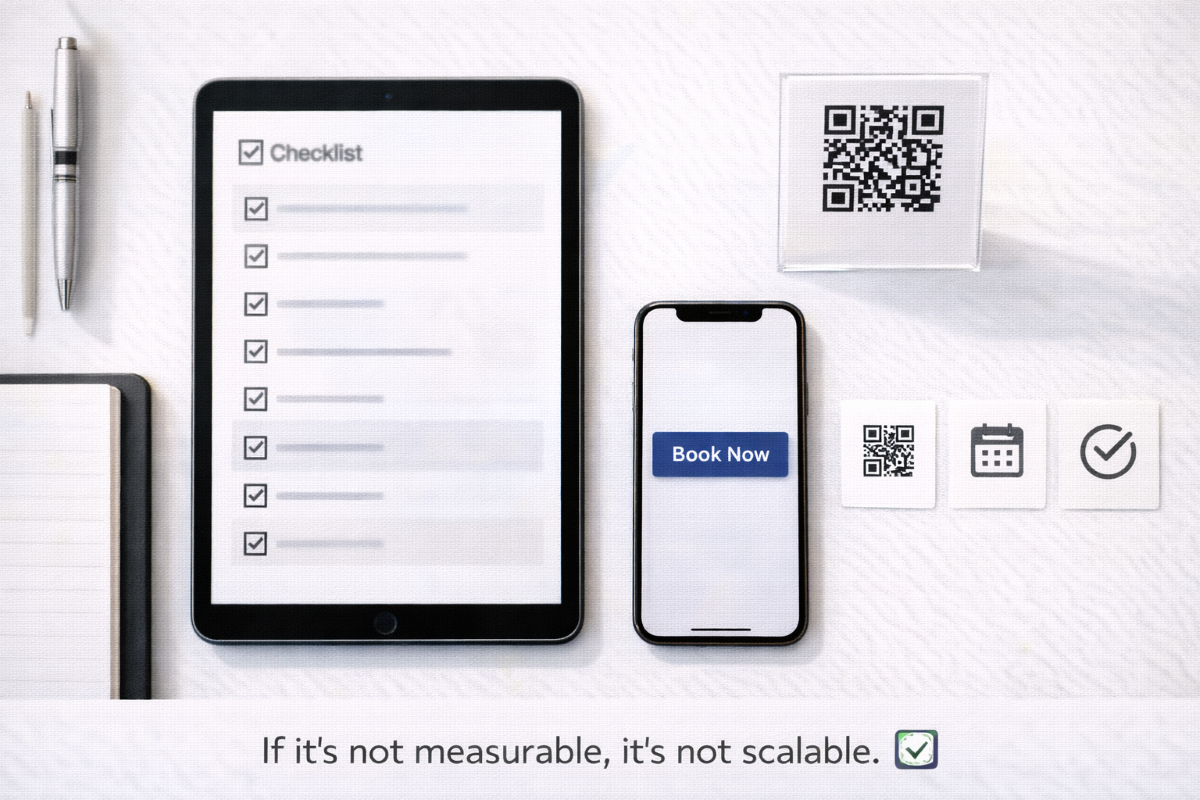 ✅ The page loads fast on mobile
✅Your value statement is visible instantly
✅ One primary CTA button is obvious
✅ Booking calendar is 1–2 taps away
✅ Proof exists (micro-video or testimonial)
✅ There are no distracting extra options
✅ QR is placed in high-intent spots
✅ You can track clicks and bookings (so you can improve)
That’s the system: Scan → clarity → confidence → calendar → booked.
Want the Micro-Funnels, Scripts, and Checklists to Copy/Paste?
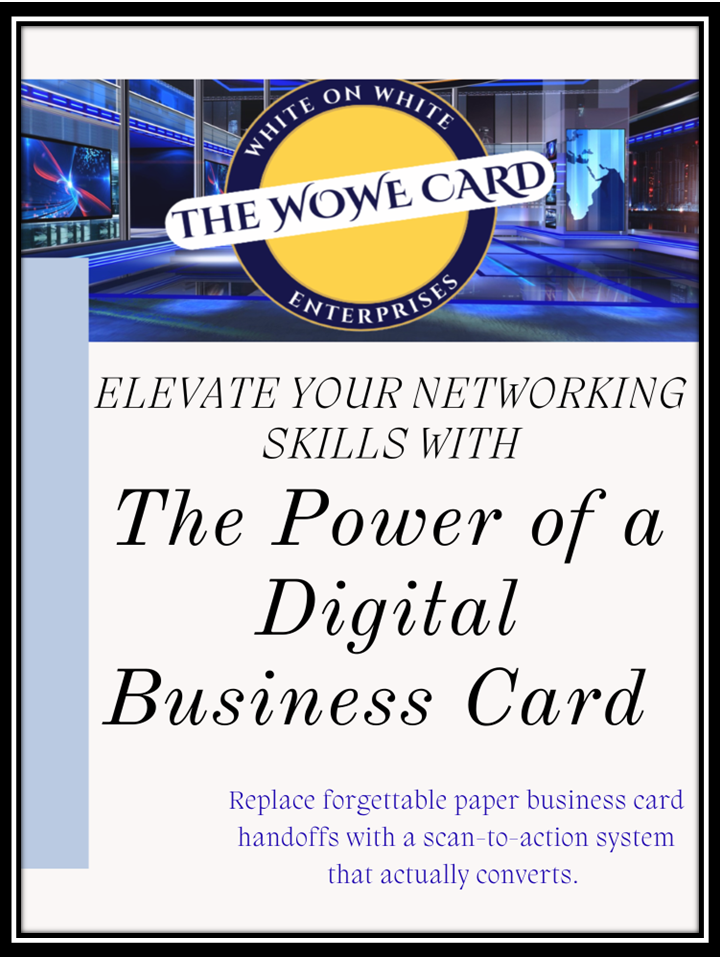 If you’re ready to stop handing out forgettable paper cards and start using a scan-to-action system that actually converts, you need this:
Elevate Your Networking Skills with the Power of a Digital Business Card
This eBook doesn’t just talk theory. It gives you:
- Micro-funnels you can install into your WOWECard process
- Scripts for in-person handoffs, events, and follow-ups
- Checklists to build a measurable card that installs to a phone’s home screen
- A step-by-step way to book meetings in under a minute
You’ll finish with a live, measurable PWA digital business card that turns networking into action—fast.
How do you think a scan-to-action system could elevate your networking skills?